
DisplayFlow for Waiting Rooms
Welcome messages and service information on screen.
Help visitors find check-in details, opening hours and useful notices while they wait.
See what you can show
Full-screen artwork and DisplayFlow layout examples using fictional content and illustrative photos. Offers, prices and schedules are examples. Select a screen to enlarge it.
Read the sample screen details
Welcome graphic
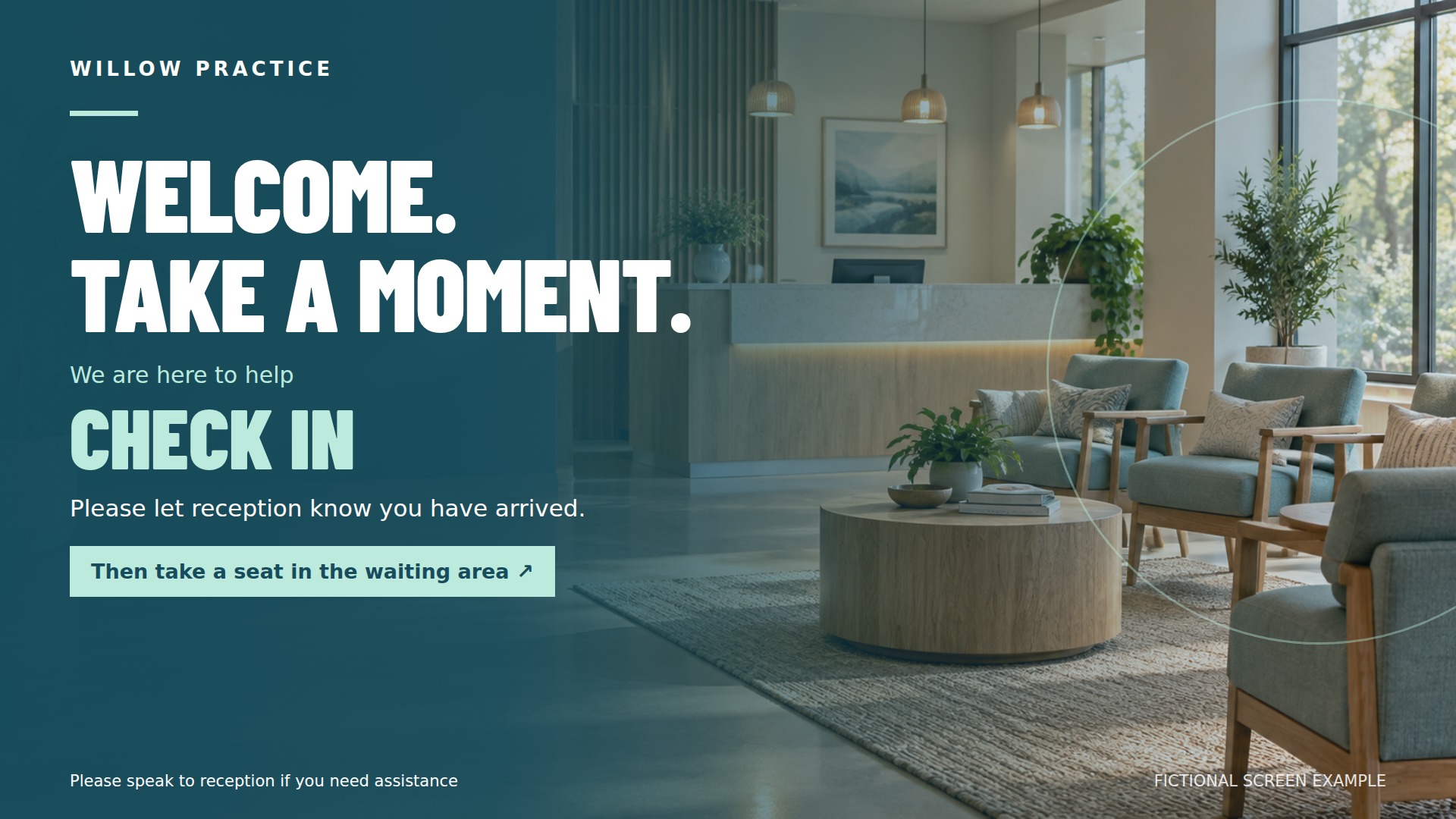
Full-screen promotional artwork with fictional branding and illustrative offer details.
WILLOW PRACTICE WELCOME. TAKE A MOMENT. We are here to help CHECK IN Please let reception know you have arrived. Then take a seat in the waiting area Please speak to reception if you need assistance Fictional screen example
View full-size screen ↗Accessibility notice
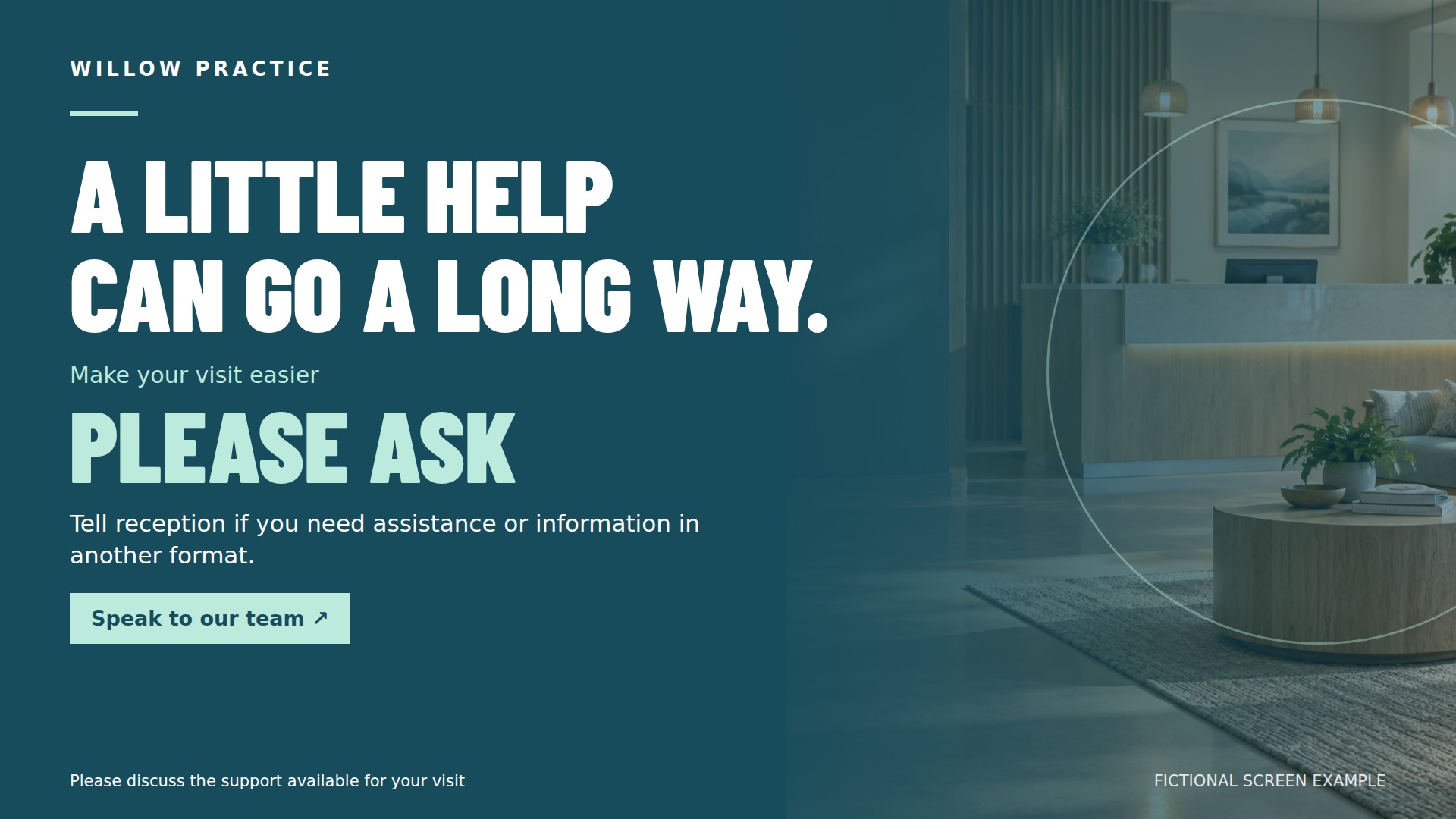
Full-screen promotional artwork with fictional branding and illustrative offer details.
WILLOW PRACTICE A LITTLE HELP CAN GO A LONG WAY. Make your visit easier PLEASE ASK Tell reception if you need assistance or information in another format. Speak to our team Please discuss the support available for your visit Fictional screen example
View full-size screen ↗Feedback campaign
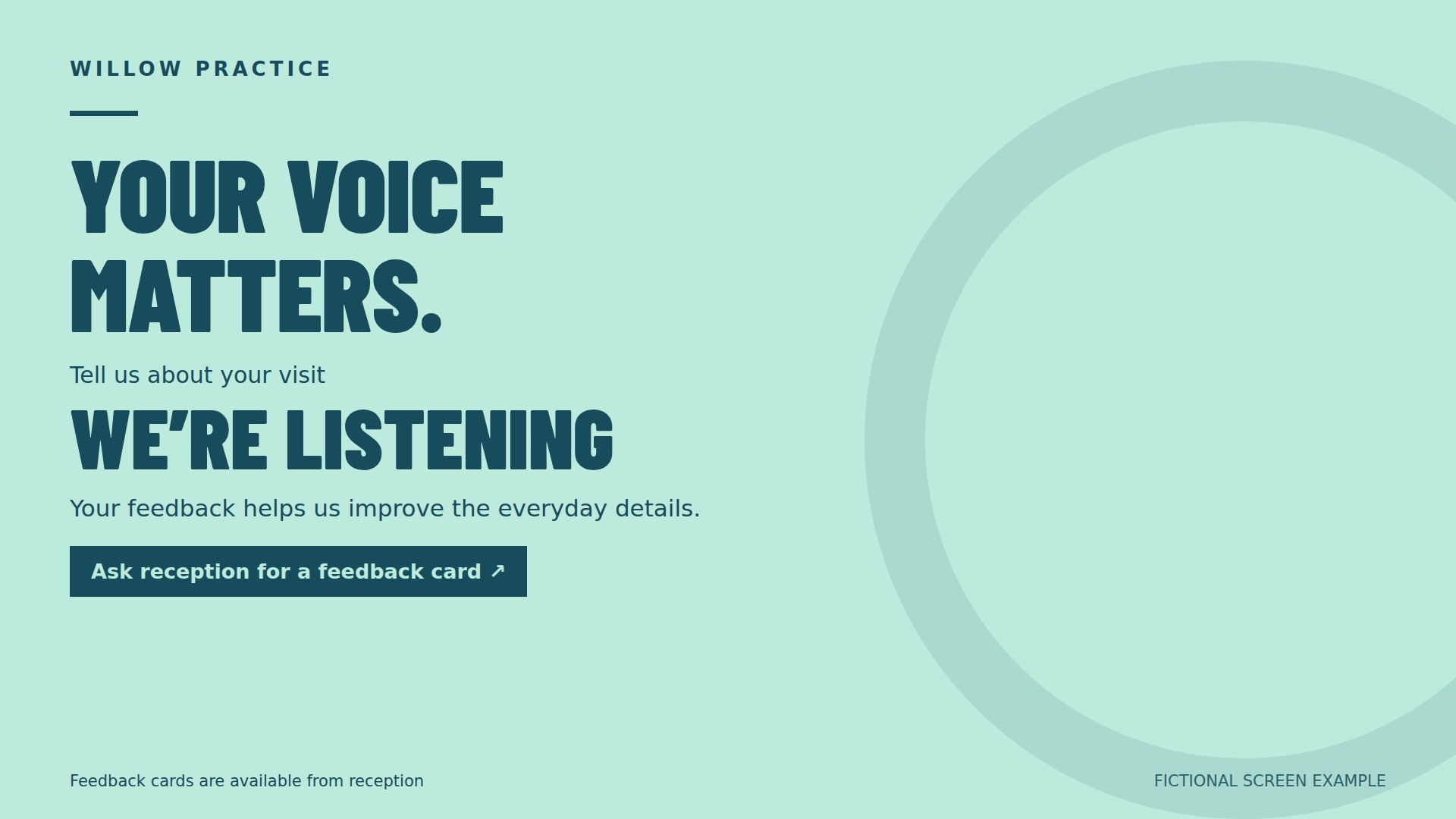
Full-screen promotional artwork with fictional branding and illustrative offer details.
WILLOW PRACTICE YOUR VOICE MATTERS. Tell us about your visit WE’RE LISTENING Your feedback helps us improve the everyday details. Ask reception for a feedback card Feedback cards are available from reception Fictional screen example
View full-size screen ↗Visitor welcome
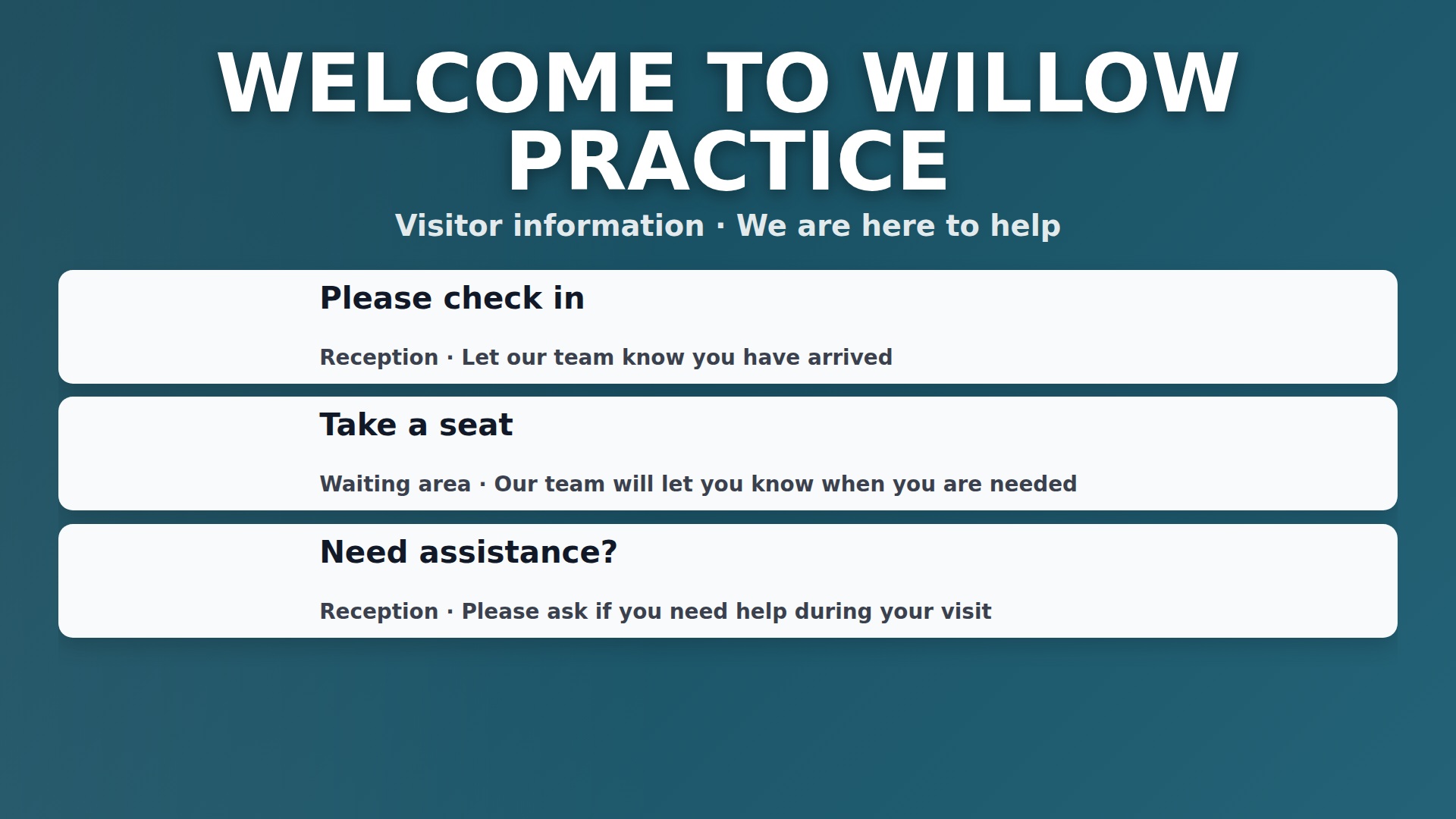
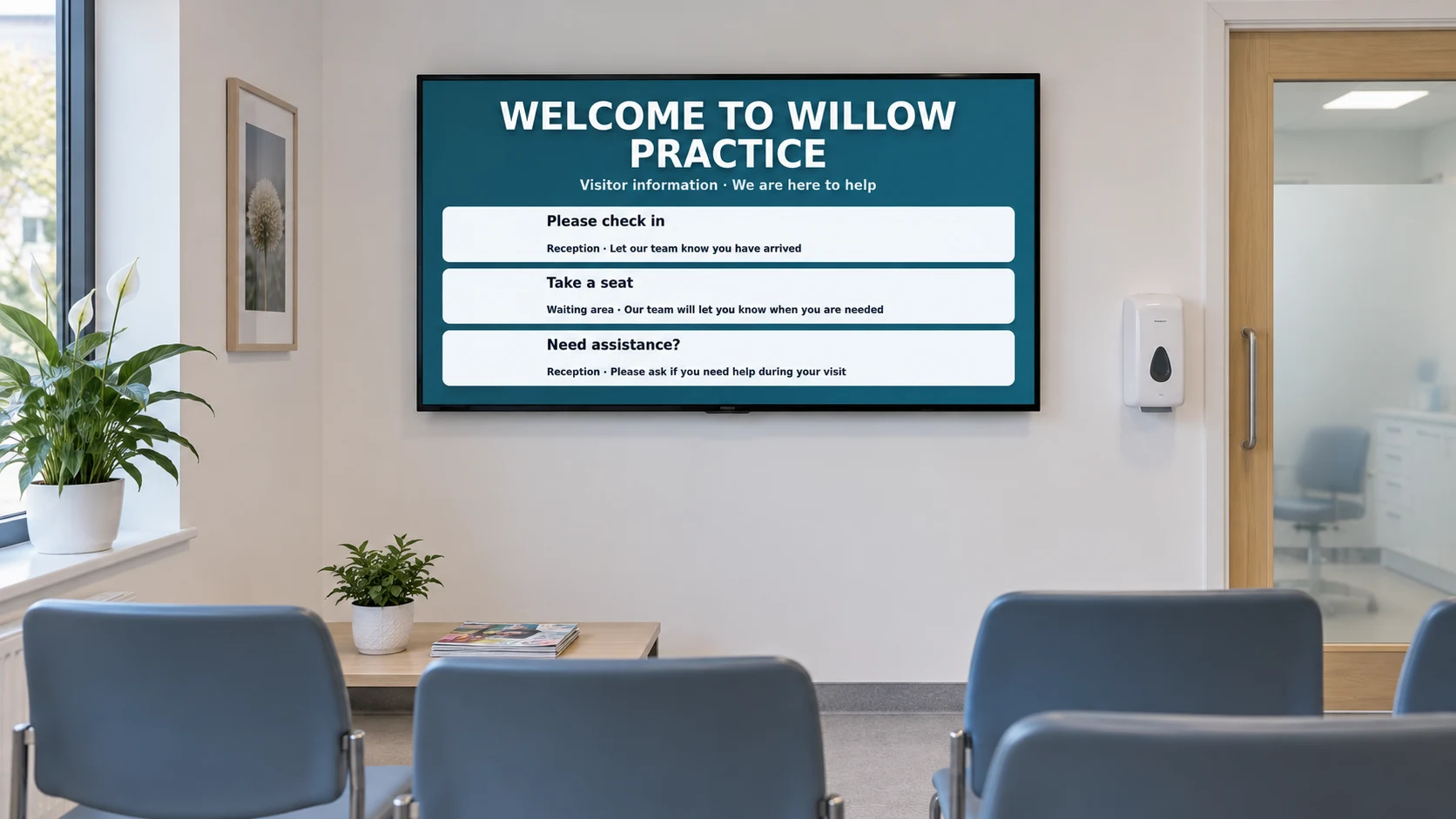
General check-in and reception information for a fictional practice. No personal information or live queue data is shown.
WELCOME TO WILLOW PRACTICE Visitor information · We are here to help Please check in Reception · Let our team know you have arrived Take a seat Waiting area · Our team will let you know when you are needed Need assistance? Reception · Please ask if you need help during your visit
View full-size screen ↗Opening hours
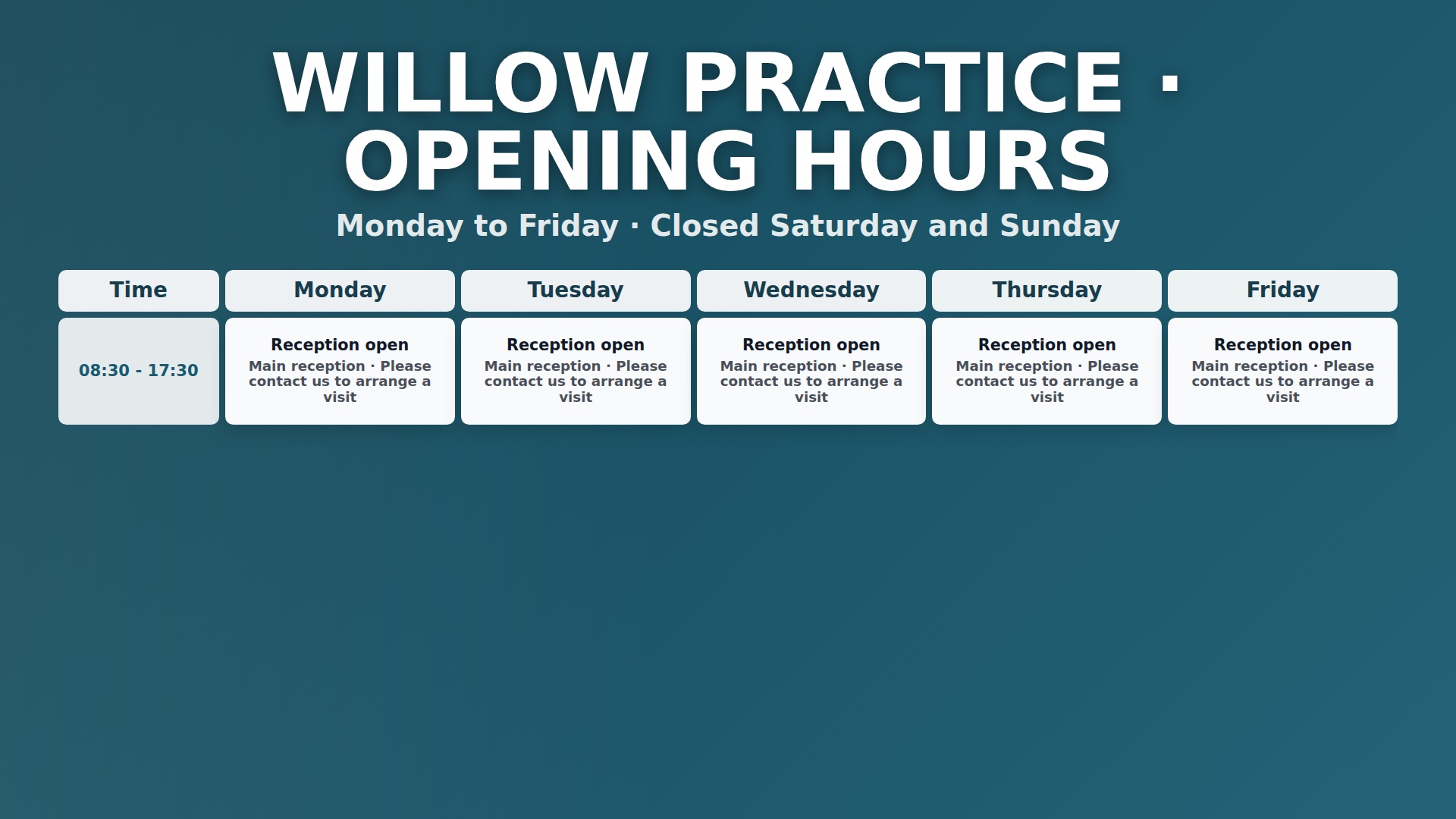
A manually maintained timetable showing example reception opening hours.
WILLOW PRACTICE · OPENING HOURS Monday to Friday · Closed Saturday and Sunday Time Monday Tuesday Wednesday Thursday Friday 08:30 - 17:30 Reception open Main reception · Please contact us to arrange a visit Reception open Main reception · Please contact us to arrange a visit Reception open Main reception · Please contact us to arrange a visit Reception open Main reception · Please contact us to arrange a visit Reception open Main reception · Please contact us to arrange a visit
View full-size screen ↗Practice notices
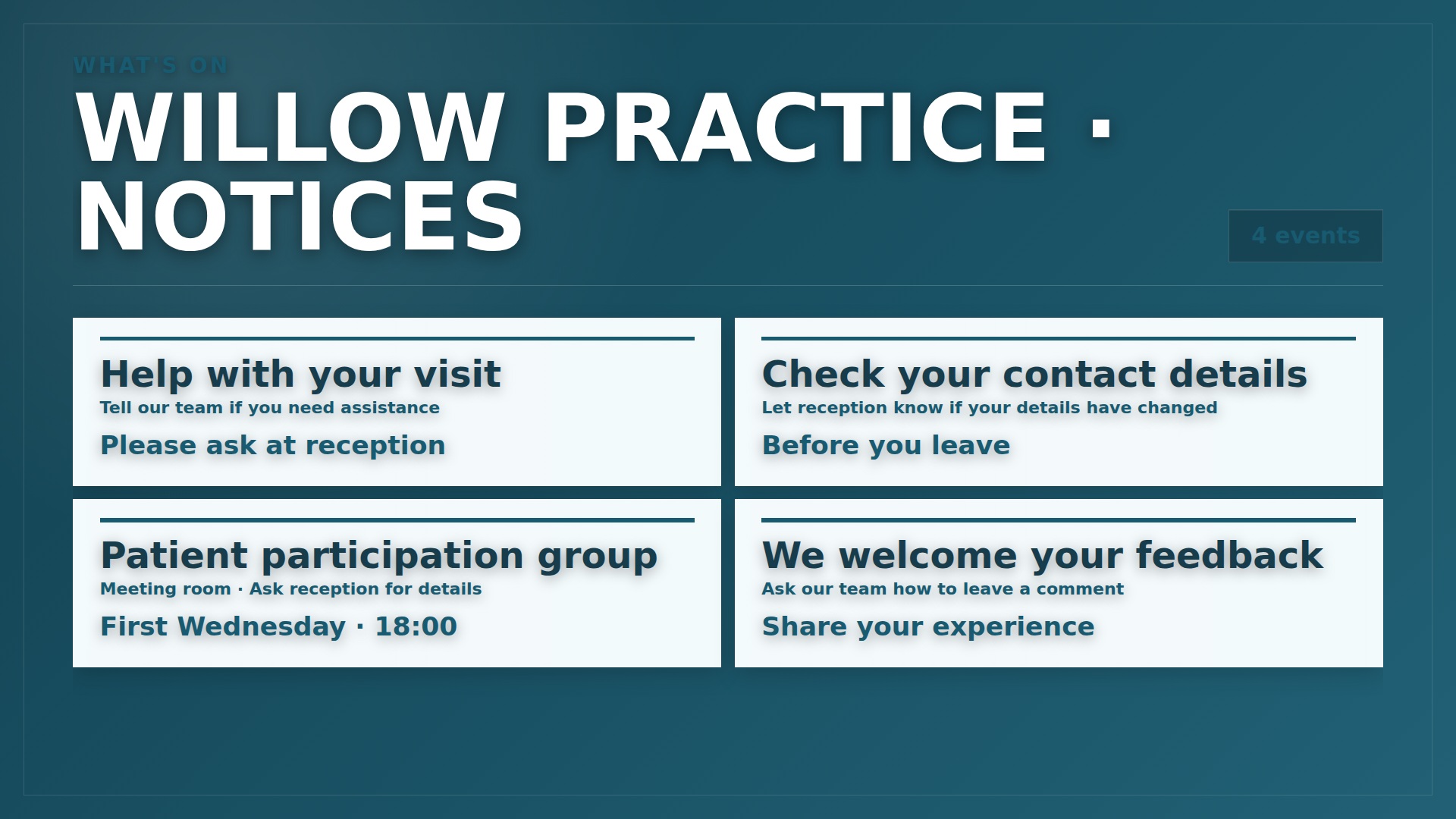
A general information board with example practice events and visitor notices.
WHAT'S ON WILLOW PRACTICE · NOTICES 4 events Help with your visit Tell our team if you need assistance Please ask at reception Check your contact details Let reception know if your details have changed Before you leave Patient participation group Meeting room · Ask reception for details First Wednesday · 18:00 We welcome your feedback Ask our team how to leave a comment Share your experience
View full-size screen ↗Solutions for your waiting room
Where you can use it
Reception desk
Explain where to check in and how to ask for help.
Waiting area
Show opening hours, booking details and approved service notices.
Shared corridors
Give visitors directions to rooms and reception points.
More ways to use DisplayFlow
Explore what you can show and manage
Visitor information and notices
Show welcomes, check-in guidance, opening hours, directions and approved service information.
Playlists, schedules and screens
Choose what plays in each area, schedule changes and check recent screen connections.
Artwork and practical setup
Create artwork from an idea or reference image, then plan readable content and compatible equipment.
From dashboard to screen
How it works
Add your content
Add welcome messages, opening hours and approved notices.
Build a playlist
Choose what plays, its order and how long it stays on screen.
Assign a screen
Add your screen in DisplayFlow and choose its playlist.
Connect and show
Open its screen link in a compatible browser, or enter its code on the Android player.
From £10 per month · 14-day trial · Optional Signage Stick available