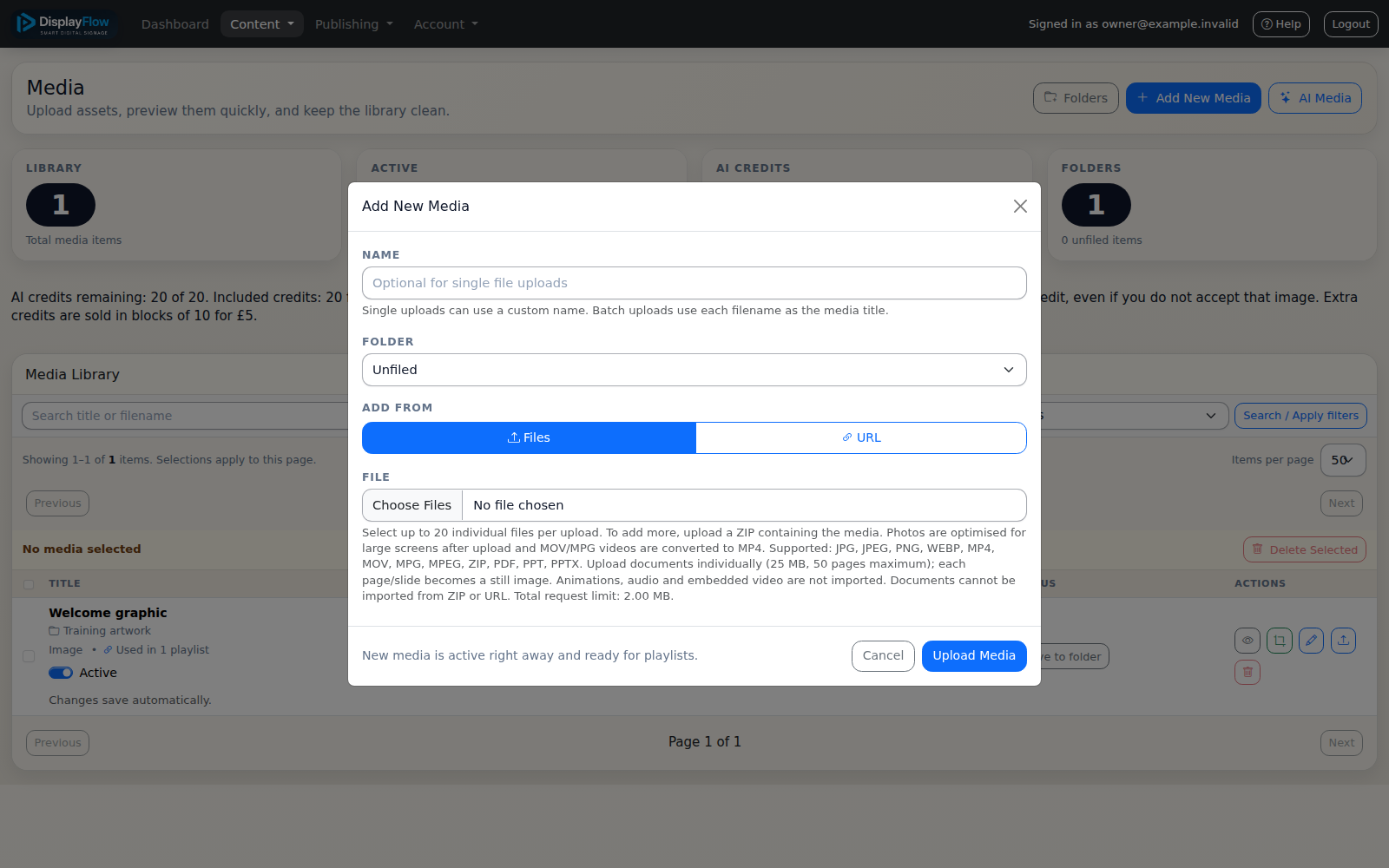
01 / Add your content
Create your account and add your welcome messages, opening hours and service notices.
 Contact
How it works
Add content, build a playlist, assign a screen and connect your player.
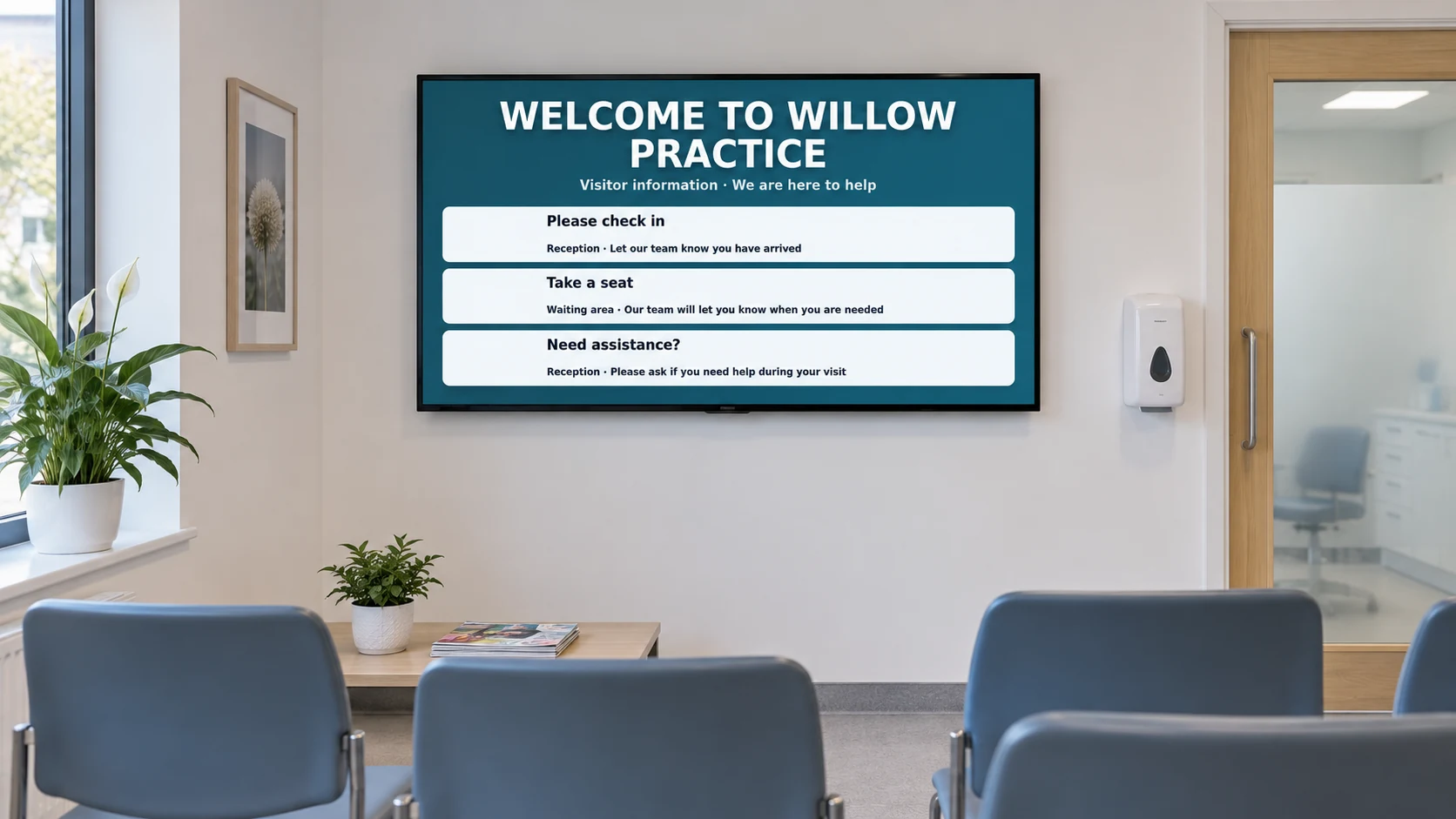
Keep screen codes private. Ask us if you need help selecting or connecting equipment.
Create your account and add your welcome messages, opening hours and service notices.
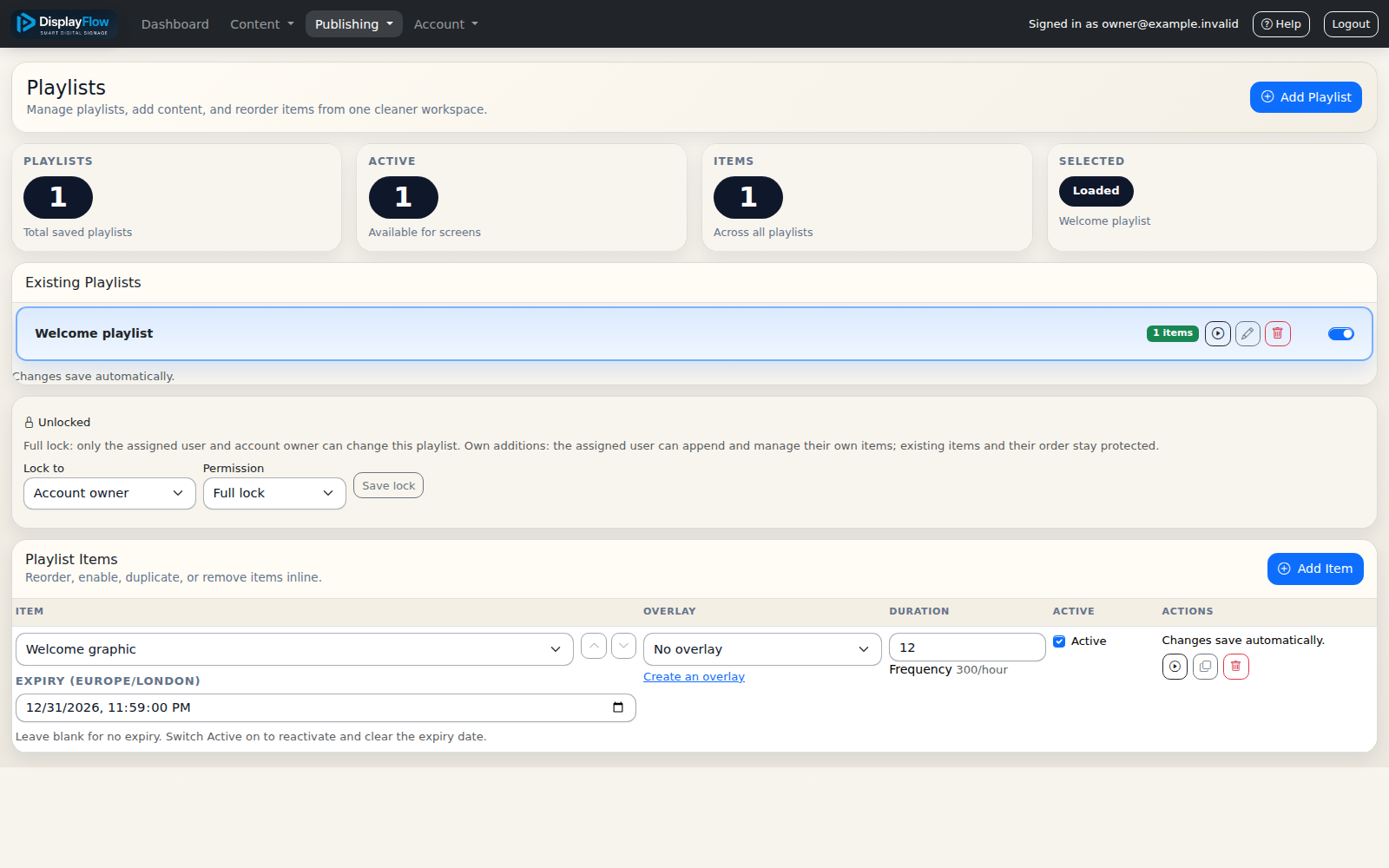
Choose the content to show and the order it should play. Set schedules where needed.
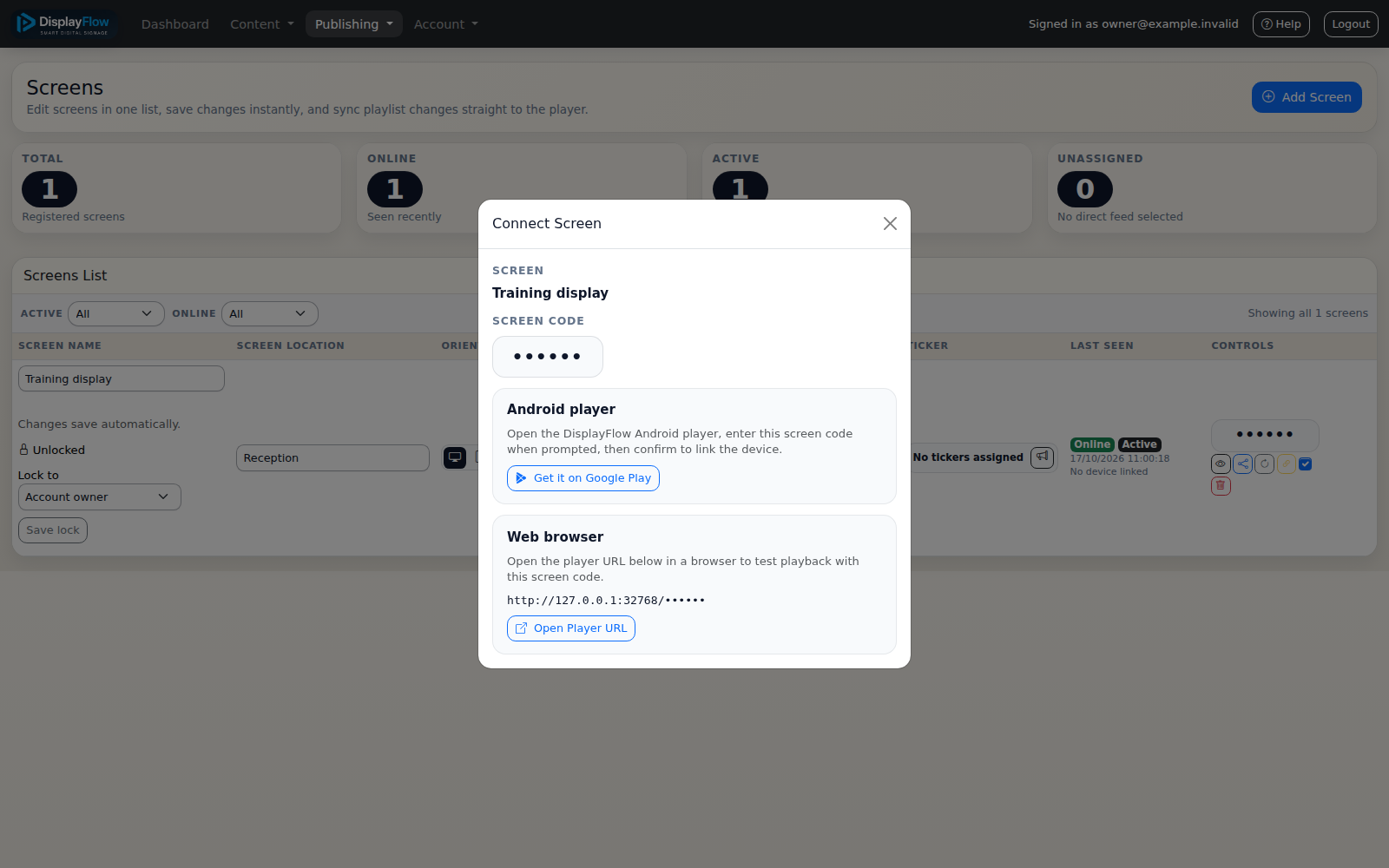
Create a screen in your account, assign its playlist and enter its screen code on your compatible player.
Review your content from the audience’s viewing position and keep details current.