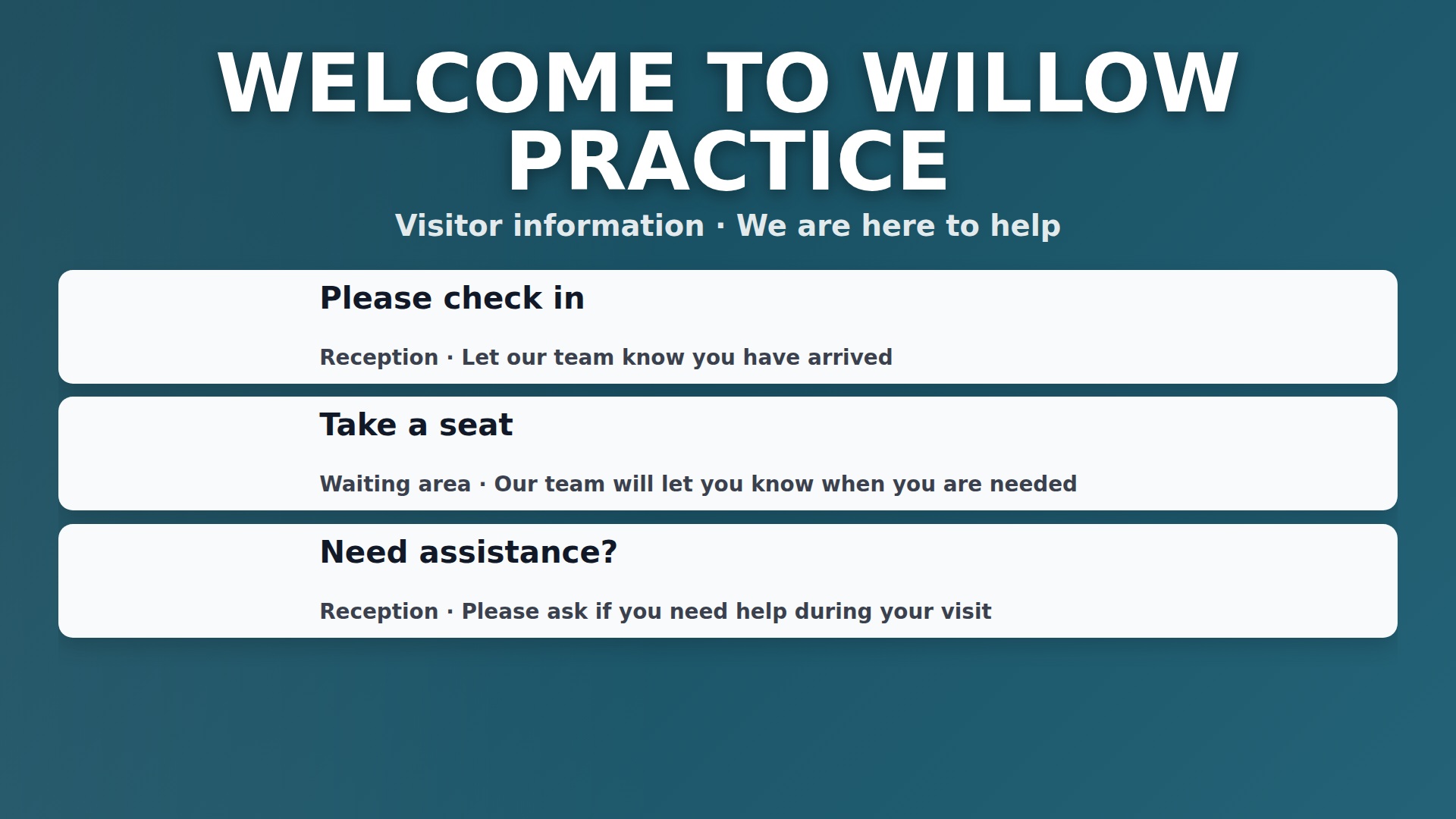
Start with reception questions
List the information visitors ask for most: check-in, opening hours, directions and contact details.
 Contact
Guides
Choose a useful location, a clear message and content you can keep current.
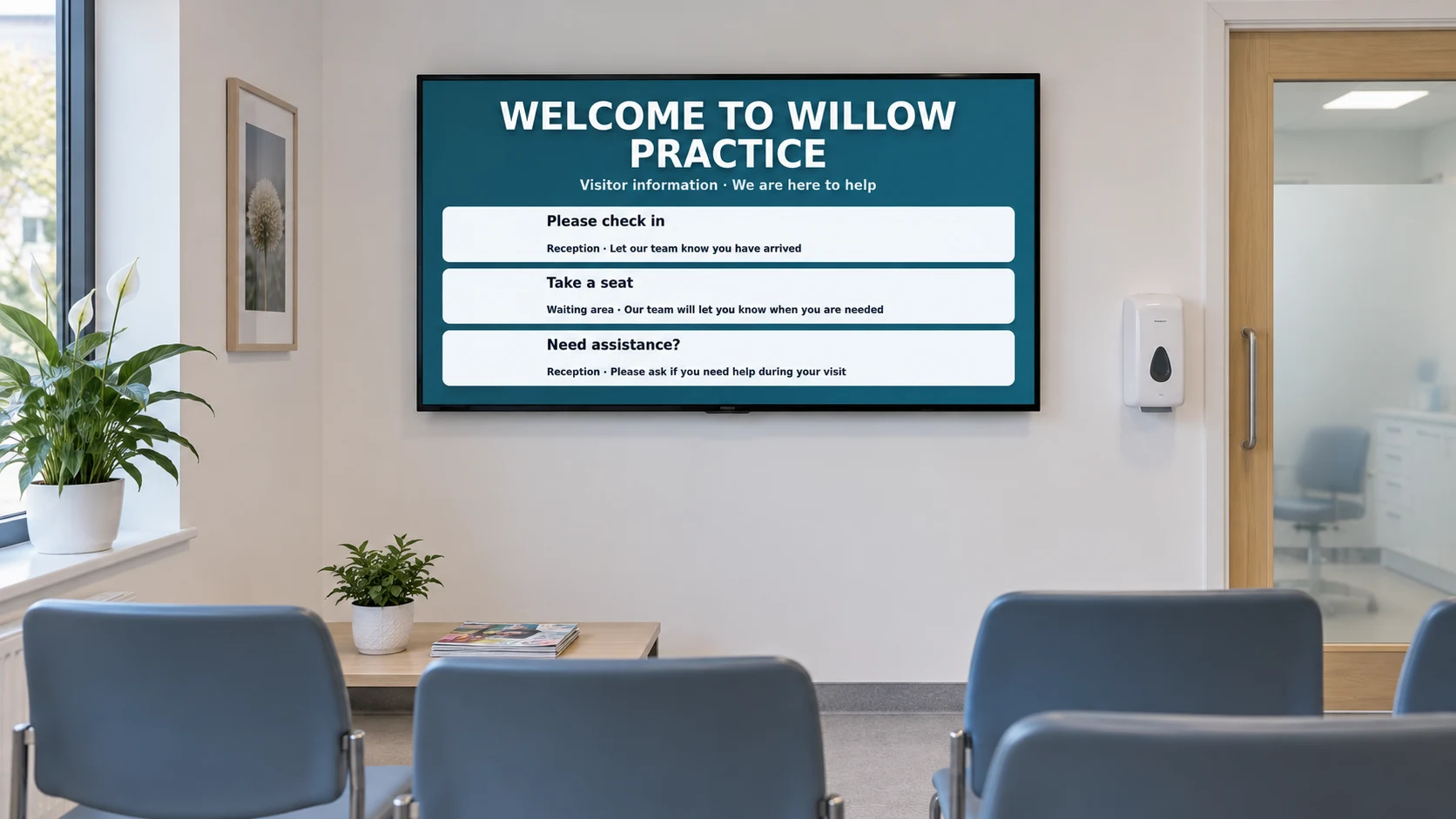
List the information visitors ask for most: check-in, opening hours, directions and contact details.
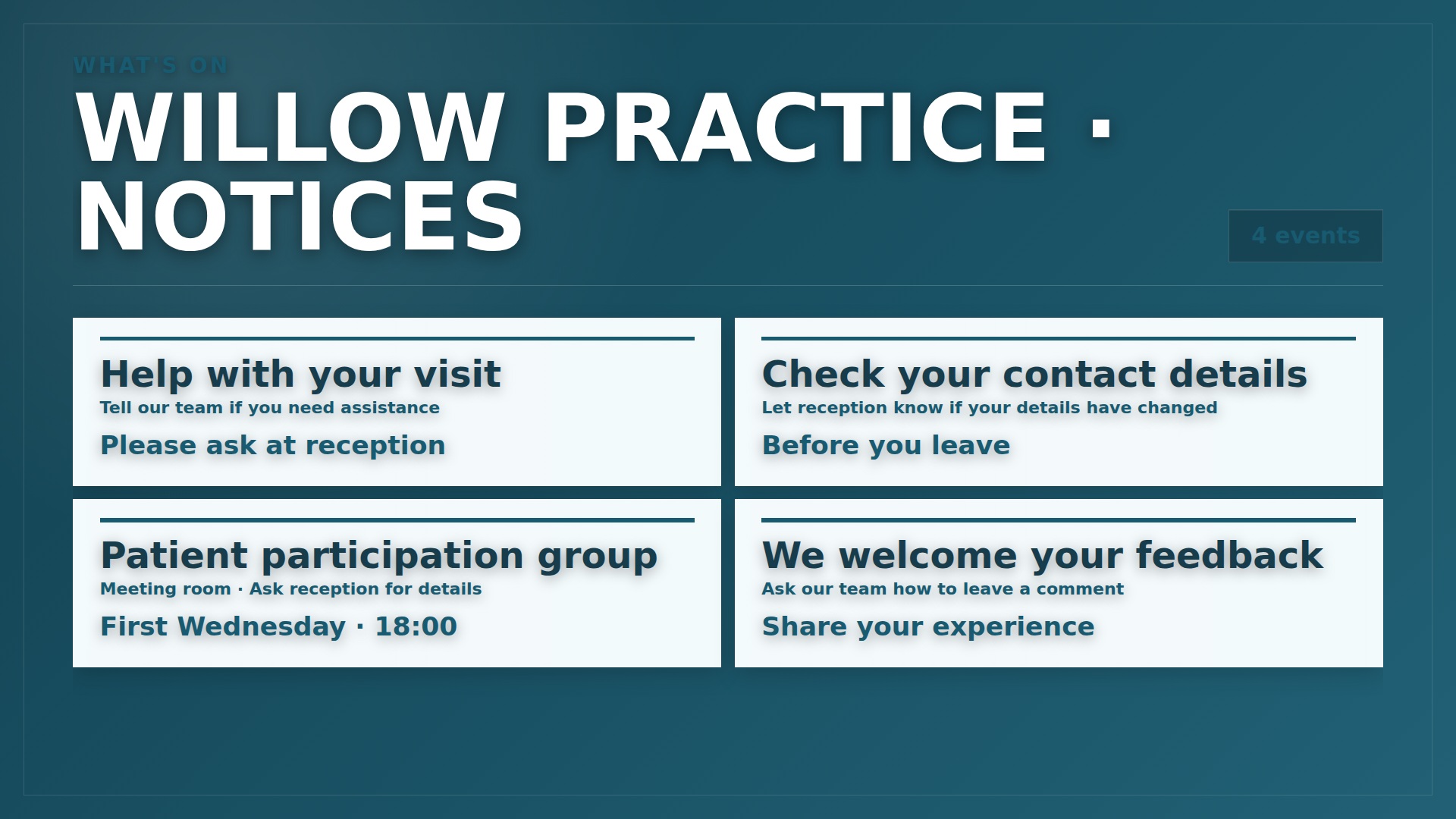
Use large text, short messages and a manageable amount of information on each screen.
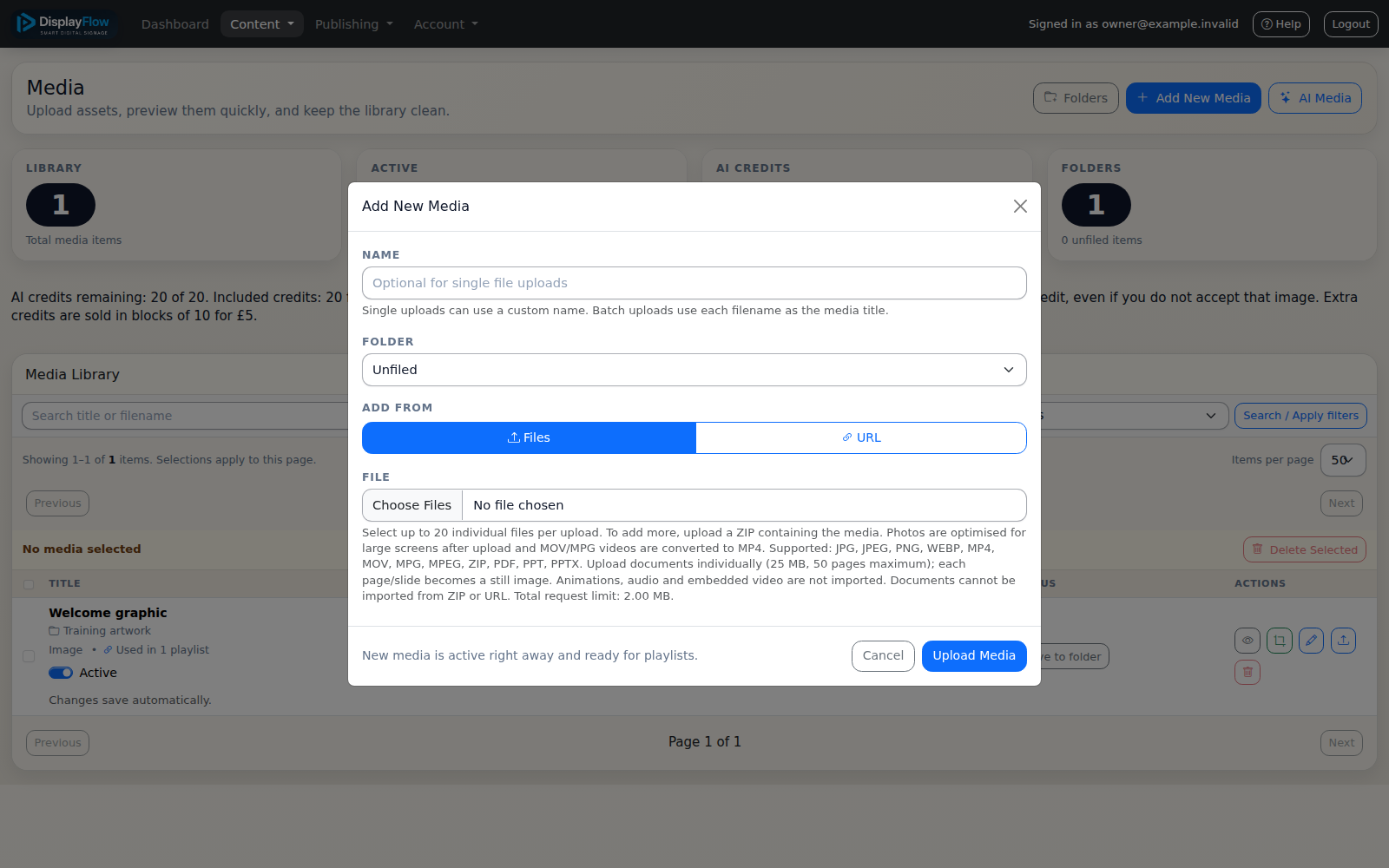
Use approved wording, keep service notices current and keep personal visitor information off public screens.
Check viewing distance, daylight, power and network access. Ask us about your screen before buying equipment.